More guides
 Exam Preparation
CrowdGen Qualification Tests for Long-Term Projects Explained
Read guide Exam Preparation
Handshake AI Assessments: How to Pass Your Project Evaluation
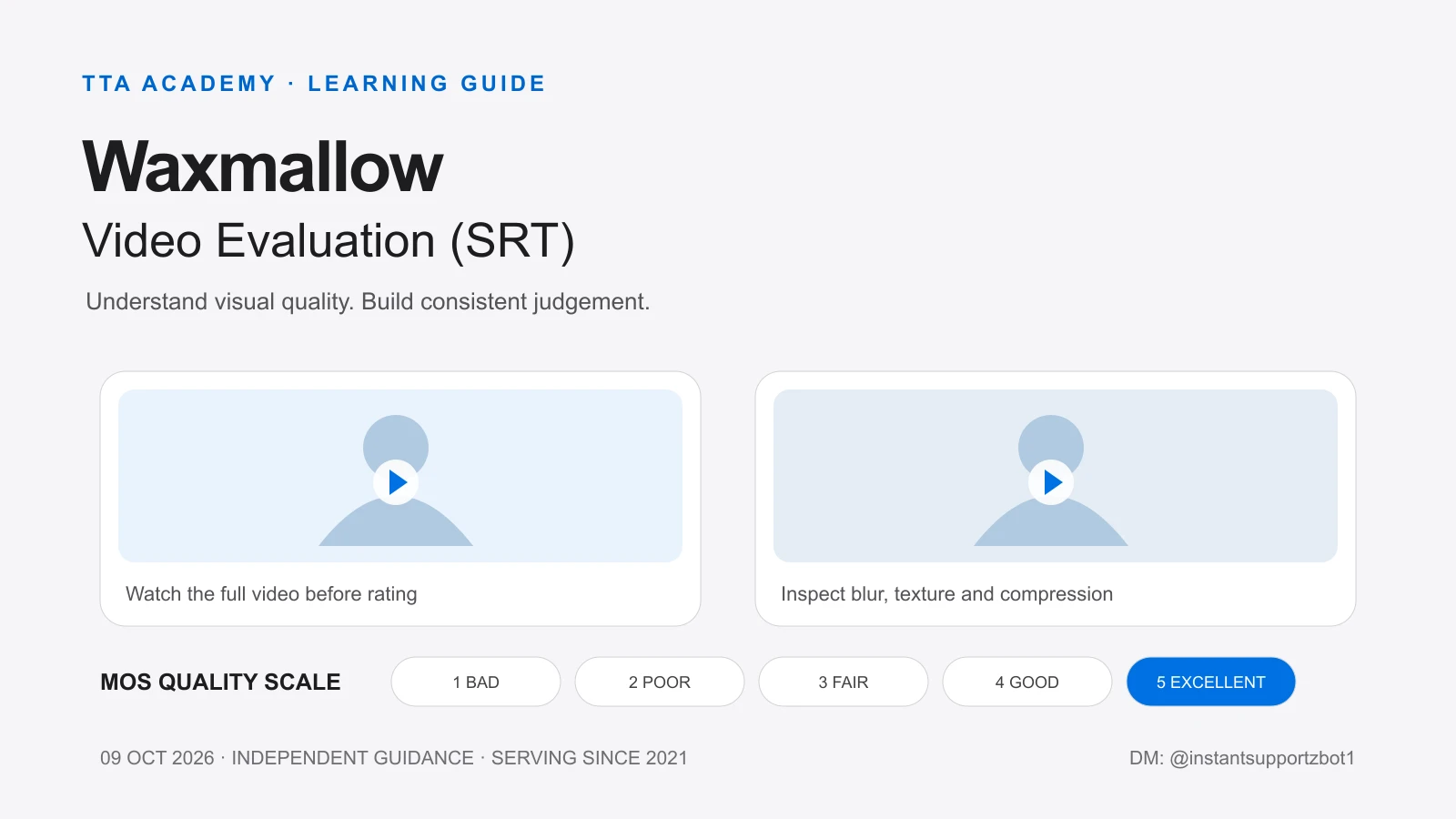
Read guideWaxmallow – Video Evaluation (SRT) में मुख्य skill है video की technical visual quality को ध्यान से देखना और consistent rating देना। यह guide आपको MOS score, blur, blockiness, over-smoothing और qualification preparation का आसान Hindi-English explanation देती है।
1. Waxmallow में क्या evaluate करना होता है?
Supplied summary के अनुसार human ratings का इस्तेमाल real-time video-call quality को समझने वाले algorithms के training में किया जाता है। Contributor का focus video की clarity और visible distortion पर होता है—व्यक्ति, बातचीत, background की पसंद या content की interestingness पर नहीं। FaceTime और WhatsApp जैसे examples video-call use case समझाने के लिए हैं; इन्हें project clients या partnerships का confirmation न मानें।
Production summary में दो videos को side-by-side, synchronized playback में देखने और प्रत्येक video को अलग quality score देने का workflow बताया गया है। पहले पूरा playback देखें; फिर जरूरत हो तो relevant section दोबारा देखें। Qualification screen में individual video units हो सकते हैं, इसलिए quiz और production layout का identical होना जरूरी नहीं है।
2. MOS Quality Score: 1 से 5 तक की scale
MOS का अर्थ Mean Opinion Score है। इस context में आपको supplied five-point quality scale पर अपनी visual judgement record करनी है। Score देने से पहले visible problem की severity, duration और पूरे video पर उसका असर देखें।
| Score | Rating | Visual quality का आसान अर्थ |
|---|---|---|
| 1 | Bad | Unacceptable quality; एक से अधिक बहुत noticeable artifacts का वर्णन दिया गया है। |
| 2 | Poor | Low quality; एक बहुत noticeable artifact हो सकता है। |
| 3 | Fair | Quality acceptable है, लेकिन multiple minor artifacts या स्पष्ट improvement की जरूरत है। |
| 4 | Good | Overall अच्छा video, एक minor artifact का वर्णन। |
| 5 | Excellent | कोई perceivable visual-quality issue नहीं। |
इस table को mechanical counting formula न बनाएं। किसी artifact का होना और उसका कितना severe होना अलग बातें हैं। Current guideline के examples और full playback को देखकर final judgement दें। केवल “video अच्छा लगा” के आधार पर 5 चुनना सही preparation नहीं है।
3. Artifact labels को कैसे समझें?
| Artifact | क्या देखें? |
|---|---|
| Unnatural Objects | Processing/compression की वजह से object या shape unnatural दिखाई देना। |
| Over Sharpening | Edges जरूरत से ज्यादा crispy, artificial या halo/ringing जैसे दिखना। |
| Blurring | Detail soft होना, focus कम लगना या motion के दौरान detail smear होना। |
| Over Smooth | Natural texture गायब होकर face/object waxy या plastic-like लगना। |
| Blocky | Square या rectangular patches और compression blocks दिखना। |
| Color Shift | Visible unwanted colour change या inconsistent colour appearance। |
| Other | ऐसा visual issue जो available labels में fit नहीं होता। |
| No Artifacts | कोई perceivable visual-quality issue नहीं। |
Blurring और Over Smooth में फर्क समझें: blur में details broadly soft या unclear हो सकती हैं; over-smoothing में texture artificial तरीके से गायब दिखाई दे सकता है। Blockiness में अलग-अलग rectangular patches ज्यादा महत्वपूर्ण visual clue हैं। सिर्फ label की definition याद करने के बजाय पूरे clip में उसका visible evidence देखें।
4. Brightness और internet buffering में अंतर
Supplied summary के अनुसार बहुत bright, overexposed, dark या dim video को visual-quality judgement में consider करना है। Listed options में dedicated brightness label नहीं है। यदि latest instructions कोई अलग mapping नहीं देतीं, तो ऐसे issue के लिए Other relevant हो सकता है। यह available labels से निकला interpretation है, किसी unseen video का fixed answer नहीं।
Internet की वजह से playback buffer या stall होना अपने-आप encoded video का visual artifact नहीं है। Connection ठीक करके clip दोबारा play करें। Supplied guidance कहती है कि network buffering की वजह से quality score कम नहीं करना चाहिए।
5. Qualification quiz: questions, score और attempts
CrowdGen की public qualification documentation बताती है कि कुछ projects में regular tasks की eligibility से पहले guidelines review और/या exams होते हैं। Waxmallow के specific numbers नीचे supplied configuration से लिए गए हैं; public documentation इन numbers को independently confirm नहीं करती।
| Item | Supplied detail |
|---|---|
| Questions | 25 |
| Passing requirement | 80% |
| Score calculation | Equal-weight, binary scoring हो तो 20/25 = 80%; actual grading/partial credit dashboard तय करेगा। |
| Attempt stated | 1 attempt; extra attempt का भरोसा न करें। |
| Question types | Single-answer, multiple-answer और scenario-based questions बताए गए हैं। |
| Quiz device | Mobile device; desktop पर attempt करने से पहले current instructions देखें। |
MOS selection और artifact selection अलग decisions हैं। Multiple-answer question में केवल वही labels चुनें जिनका visible evidence है। ज्यादा options चुनना अपने-आप बेहतर answer नहीं बनाता। Retake available होगा या नहीं, यह platform configuration और official instructions पर निर्भर है।
6. Quiz से पहले mobile और workspace setup
Supplied qualification instructions mobile पर quiz complete करने, brightness कम से कम 50% रखने और distraction-free environment की बात करती हैं। Summary में project guideline brightness लगभग 50% बताती है। अपने current task की exact instruction follow करें; इन दो phrasings को universal device rule न समझें।
Preparation checklist: mobile charged रखें; interruptions कम करें; संभव हो तो Do Not Disturb enable करें; reliable internet इस्तेमाल करें; और instructions पहले पढ़ें। Supplied technical summary में 10 Mbps+ download का उल्लेख है, लेकिन यह quiz pass होने की guarantee नहीं है।
Dashboard summary में overall participation के लिए mobile और laptop/desktop दोनों उपलब्ध रखने की बात भी है। इसका मतलब quiz desktop पर करने की permission नहीं है। Device requirement और quiz-device instruction को अलग-अलग पढ़ें।
7. पूरा video देखना क्यों जरूरी है?
Supplied instructions में हर video को एक बार पूरा, बिना skip या fast-forward किए देखने का निर्देश है। कुछ problems movement के दौरान, clip के बीच या थोड़े समय के लिए दिख सकती हैं। एक screenshot से पूरे video की quality तय नहीं होती।
Supplied interface description के अनुसार rating controls full playback के बाद unlock हो सकते हैं। Controls पहले दिखाई देने पर भी current full-watch instruction follow करें। Locked control या playback problem होने पर guess करके submit करने के बजाय official support instructions देखें।
8. Rating देने का practical workflow
पहला step: clip पूरा देखें और content से attention हटाकर visual quality पर focus करें। दूसरा: face, hair, clothes और background की sharpness देखें। तीसरा: movement के समय blur, texture loss और compression blocks देखें। चौथा: exposure, colour changes और unnatural edges पर ध्यान दें।
पांचवां: issue कितना noticeable है और कितना समय दिखाई देता है, यह judge करें। छठा: current guideline की definitions से MOS score मिलाएं। सातवां: केवल visibly present artifacts select करें। आखिरी step: MOS और artifact choices एक-दूसरे से logically consistent हैं या नहीं, check करें।
9. Fair, Good, Poor और Bad में फर्क
Good और Fair: supplied scale में Good के लिए एक minor artifact और Fair के लिए acceptable quality के साथ multiple minor artifacts का distinction दिया गया है। हल्का blur देखकर हर clip को automatically Fair न करें। उसी तरह, artificial texture loss और exposure problem दोनों दिखने पर overall impact carefully देखें।
Poor और Bad: एक बहुत noticeable problem होने और multiple बहुत noticeable problems के कारण quality unacceptable होने में फर्क है। हर खराब-looking clip को automatically Bad देना consistent judgement नहीं है। ये conceptual explanations हैं, किसी qualification video के answers नहीं।
10. किन गलतियों से बचें?
Video का subject पसंद आने पर score बढ़ाना; single frame से rating देना; buffering को artifact मान लेना; blur और over-smoothing को interchangeable समझना; बिना evidence कई labels चुन लेना; और No Artifacts के साथ दूसरा artifact चुनना—ये सभी consistency को प्रभावित कर सकते हैं।
Assigned task के handling rules भी पढ़ें। Supplied production summary में assigned task promptly review करने और एक समय में एक task hold करने की बात है। अपने dashboard के latest workflow से इसे confirm करें।
11. Passing के बाद tasks और payment के बारे में क्या जानें?
Supplied instructions के अनुसार qualifying contributors को production tasks के लिए invite किया जा सकता है। Qualification pass होना continuous work, fixed hours, task allocation या income की guarantee नहीं है। Availability और eligibility का निर्णय platform करता है।
Available material में confirmed pay rate, task volume, guaranteed hours, contract duration या project end date नहीं है। इसलिए इस guide में कोई अनुमानित earning figure या current opening claim नहीं दिया गया है। Compensation और availability के लिए official dashboard या project team से confirmation लें।
12. Quick reference: attempt से पहले याद रखें
Focus: technical visual quality · Scale: MOS 1–5 · Full playback: पहले पूरा video · Labels: केवल visible artifacts · Network buffering: visual defect नहीं · Quiz setup: current mobile/brightness instructions · Supplied configuration: 25 questions, 80%, stated 1 attempt—dashboard verification जरूरी।
13. TTA ACADEMY से learning guidance
TTA ACADEMY 2021 से independent training, mentorship, career guidance, exam guidance, consultation और freelancing support प्रदान करती है। Hindi और English में concept understanding या preparation guidance के लिए संपर्क कर सकते हैं; current session की language, scope और availability पहले confirm करें।
यह educational guide है, official CrowdGen/Appen instruction या vendor endorsement नहीं। TTA ACADEMY qualification approval, task allocation, employment या income guarantee नहीं देती और certificates issue नहीं करती। Confidential quiz material या answer keys publicly share न करें; अपने attempt में अपना judgement इस्तेमाल करें।
Frequently Asked Questions
Articles on this platform are researched, written and reviewed by the TTA ACADEMY team — a group of trainers, mentors, quality specialists and remote-work consultants supporting learners in AI, freelancing, vendor qualification and remote career development.
View Team ProfileReferences & Sources
We link only to official websites, government portals, research papers, official documentation, academic publications, industry reports and vendor documentation.
- What are Project Qualifications? — general qualification process only — CrowdGen by Appen · Documentation
Disclaimer: Information changes over time. TTA ACADEMY is an independent training and career guidance platform — we are not affiliated with or endorsed by any vendor unless explicitly stated. Always verify the latest details directly from the official vendor resources linked on this page.
